

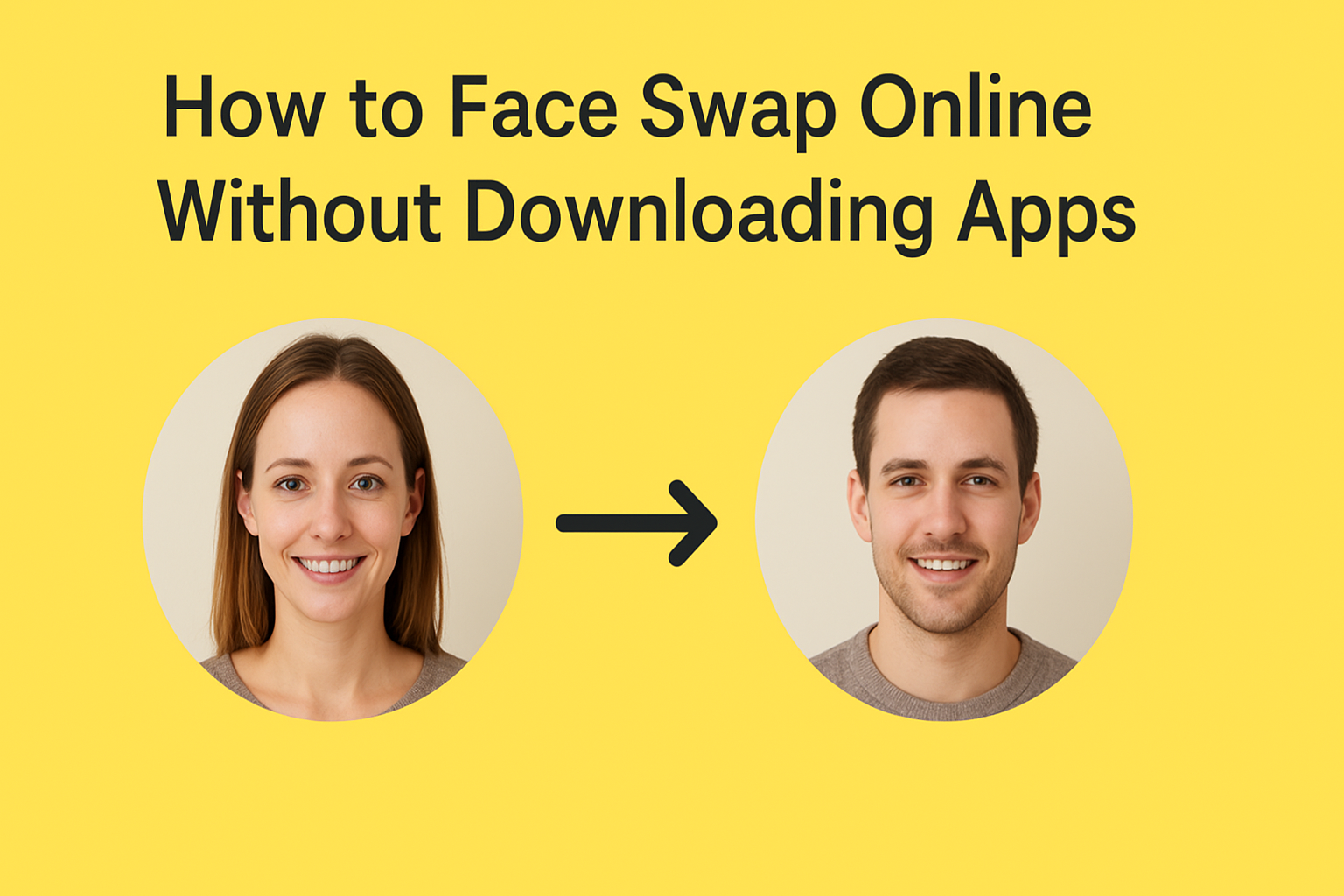
How to Face Swap Online Without Downloading Apps
In the age of selfies, social media, and video content, face swapping has become a fun and creative way to play with photos. Whether you want to see yourself as your favorite celebrity, swap faces with friends, or just create hilarious images, face swapping online is easier than ever. The best part? You don’t need to download any apps or software. In this guide, we’ll walk you through everything you need to know about online face swapping, step by step.
Why Choose Online Face Swap Instead of Apps?
Many people assume that face swapping requires complex apps or software. While mobile apps are popular, online tools offer some clear advantages:
- No Installation Needed – Online tools run directly in your browser, so you don’t need to worry about storage space or updates.
- Easy Access Across Devices – You can use online face swap tools on your PC, Mac, tablet, or even smartphone without downloading anything.
- Fast and Convenient – Upload your images, swap faces, and download results in minutes.
- No Device Compatibility Issues – Some apps only work on specific operating systems, but online tools work across most devices.
Overall, online face swapping is perfect for those who want quick, simple results without the hassle of installing apps or software.
Best Online Face Swap Tools (No Download Required)
There are several reliable online tools that let you swap faces easily. Here are some of the most popular options:
Lipsync AI
Lipsync AI is a free tool that allows you to swap faces in just a few clicks. It’s user-friendly, and you don’t need any technical skills to create realistic results, making it perfect for learning how to make face swap memes quickly and easily
DeepSwap.ai
For those who want AI-powered swaps, DeepSwap.ai provides high-quality, realistic results with minimal effort. It’s particularly popular for video face swaps as well.
Reflect.tech
Reflect.tech is known for high-quality face swaps. You can upload your photo, choose a target face, and the AI does the rest. The tool produces surprisingly realistic outcomes.
Fotor
Fotor is an online photo editor with a face swap feature. It also comes with filters, retouching tools, and other editing options, making it versatile for more than just face swaps.
PhotoFunia
PhotoFunia has been around for years and offers a fun, simple way to swap faces. It includes themed templates, like movie posters or magazine covers, to make your swaps even more entertaining.
Step-by-Step Guide: How to Face Swap Online
Now that you know the tools, let’s go through a simple, step-by-step guide to face swapping online.
Step 1: Choose Your Tool
Pick one of the online face swap platforms mentioned above. For beginners, FaceSwap Online or PhotoFunia is a great start.
Step 2: Upload Your Photos
You’ll need at least two images: one with your face and another of the person whose face you want to swap. Make sure the faces are clearly visible and facing the camera for the best results.
Step 3: Select the Face Swap Option
Most online tools have a clearly labeled “Face Swap” button. Click it and select the areas of the photo you want to swap. Some tools automatically detect faces, making this process easier.
Step 4: Adjust and Fine-Tune
Depending on the tool, you may have options to adjust the face size, rotation, or blending. Take your time to make it look natural.
Step 5: Generate and Download
Once you’re happy with your adjustments, click “Generate” or “Swap.” After a few seconds, your swapped image will be ready. Download it to your device and share it with friends!
Tips for Best Results in Online Face Swap
To make your face swaps look natural and fun, keep these tips in mind:
- Use Clear Photos – High-resolution images with good lighting will produce better swaps.
- Align Faces Properly – Try to choose photos where faces are facing forward; side angles can confuse the software.
- Choose Similar Lighting and Skin Tone – The more similar the lighting and skin tones, the more realistic the swap.
- Experiment with Different Tools – Not all tools work the same way. If one tool doesn’t give a good result, try another.
- Keep It Fun and Safe – Remember that face swaps are meant for entertainment. Avoid using someone else’s photos without their permission.
Safety & Privacy Considerations
While online face swap tools are convenient, it’s important to think about safety and privacy:
- Check Privacy Policies – Ensure the website doesn’t store or misuse your photos. Some platforms delete images after processing, while others may retain them.
- Avoid Sensitive Photos – Don’t upload personal or sensitive images that could be misused.
- Use Trusted Websites – Stick to well-known face swap tools to avoid malware or scams.
- Be Respectful – Never swap faces of people without consent, especially in a way that could harm their reputation.
Following these tips ensures you can have fun with face swaps safely.
Conclusion
Face swapping online is a fun, creative, and simple way to experiment with photos. Without downloading apps, you can swap faces in minutes, share laughs with friends, or create unique content for social media. By choosing the right tool, using clear photos, and keeping privacy in mind, you can enjoy high-quality face swaps safely.
Whether it’s for a funny meme, a creative project, or just casual entertainment, online face swapping opens up endless possibilities—no downloads required.
FAQs
Can I face swap with multiple people in one photo?
Yes! Some tools allow multiple face swaps, though results may vary depending on photo quality.
Are online face swaps free?
Most basic swaps are free, but some websites offer premium features for higher resolution or advanced editing.
Can I use face swap tools on mobile?
Absolutely! Most online tools work on mobile browsers as well as desktops.
Are face swaps realistic?
Many modern AI tools produce realistic results, but extreme angles or poor lighting can make swaps look unnatural.
Is it safe to use these websites?
Yes, if you stick to reputable websites. Avoid uploading sensitive personal photos for extra security.