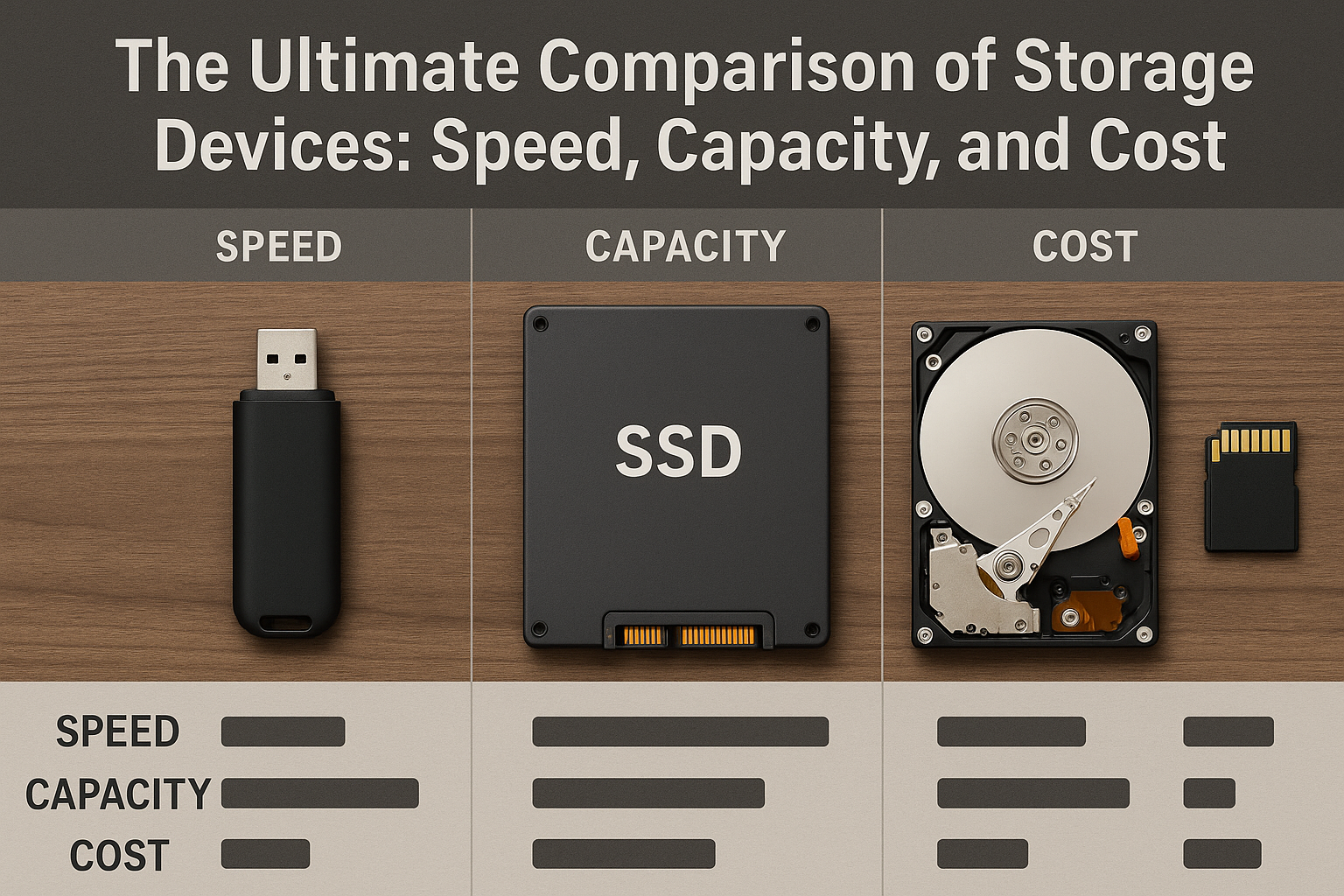
The Ultimate Comparison of Storage Devices: Speed, Capacity, and Cost
In the ever-evolving world of digital storage, choosing the right storage device has become a crucial decision for individuals, businesses, and content creators alike. The rapid growth of data-intensive applications, high-resolution media, and cloud-based services means that performance, reliability, and cost efficiency are more important than ever. In this comprehensive guide, we compare different types of storage devices—examining their speed, capacity, and cost—to help you make an informed decision.
Understanding Storage Devices: The Key Categories
Modern storage devices can be classified into three main categories: HDDs (Hard Disk Drives), SSDs (Solid State Drives), and Cloud Storage. Each category offers distinct benefits and drawbacks in terms of speed, capacity, durability, and price point.
1. Hard Disk Drives (HDDs)
Hard Disk Drives have been the backbone of digital storage for decades. They store data magnetically on spinning platters, making them ideal for high-capacity, low-cost storage needs.
- Speed: HDDs generally have slower read/write speeds compared to SSDs, typically ranging from 80–160 MB/s. While this is sufficient for basic computing and data archiving, it lags behind modern SSD technology.
- Capacity: HDDs excel in offering massive storage options, with capacities exceeding 20TB in enterprise-grade models.
- Cost: HDDs are the most cost-effective solution for bulk storage, averaging $0.02–$0.04 per GB.
- Best For: Archiving large amounts of data, media libraries, and backup systems where speed is not the primary concern.
2. Solid State Drives (SSDs)
Solid State Drives use flash memory to store data, delivering faster performance, better durability, and lower latency than HDDs.
- Speed: SSDs offer blazing-fast speeds, with SATA SSDs delivering 400–600 MB/s and NVMe SSDs reaching up to 7,000 MB/s. This speed translates into rapid boot times, near-instant application launches, and faster file transfers.
- Capacity: Consumer SSDs range from 120GB to 8TB, while enterprise models can exceed 15TB.
- Cost: SSDs are more expensive than HDDs, with prices averaging $0.08–$0.15 per GB, but the performance benefits often justify the higher price tag.
- Best For: Operating systems, gaming, professional video editing, and applications where speed and reliability are critical.
3. Hybrid Drives (SSHDs)
Solid State Hybrid Drives (SSHDs) combine the high capacity of HDDs with the speed of SSDs by integrating a small SSD cache.
- Speed: Faster than traditional HDDs but slower than full SSDs, with typical speeds ranging from 120–200 MB/s for large file transfers, while cached data loads almost instantly.
- Capacity: Commonly available in 1TB to 4TB ranges.
- Cost: Priced between HDDs and SSDs, averaging $0.05–$0.07 per GB.
- Best For: Users needing a balance between speed and storage capacity without the cost of a full SSD setup.
4. Cloud Storage Solutions
Cloud storage allows users to store and access data remotely through internet-connected servers. Popular providers include Google Drive, Dropbox, Microsoft OneDrive, and Amazon S3.
- Speed: Dependent on internet connection speed; uploads/downloads may be slower than local storage but offer anywhere-access convenience.
- Capacity: Scalable from a few gigabytes to multiple petabytes depending on subscription plans.
- Cost: Varies greatly, from free plans with 5–15GB to enterprise-level solutions costing hundreds per month.
- Best For: Collaborative work, remote access, and off-site backup to protect against local hardware failures.
Speed Comparison: Real-World Performance
When measuring storage device speed, both sequential and random read/write speeds matter:
- HDDs: Best suited for sequential reads/writes; struggle with random access.
- SSDs: Excel at both sequential and random tasks, providing near-instant access to files.
- NVMe SSDs: Offer unparalleled speeds for high-performance computing, large data transfers, and real-time processing.
- Cloud Storage: Dependent on network latency; faster for small files with strong internet connections, slower for bulk transfers over slower networks.
Capacity Considerations: How Much Storage Do You Really Need?
When deciding on storage capacity, consider your current data usage and future growth:
- Casual Users: 500GB–1TB is typically sufficient for documents, media, and applications.
- Content Creators: 2TB–8TB for handling large media files and backups.
- Businesses: 10TB+ for extensive archives, databases, and multi-user environments.
Remember that SSD capacity upgrades can be costly, while HDD upgrades remain affordable. Cloud storage offers flexibility but may require ongoing subscription fees.
Cost Analysis: Price vs. Performance
While cost per gigabyte is a key factor, total cost of ownership also includes maintenance, energy usage, and upgrade expenses:
| Storage Type | Average Speed | Max Capacity (Consumer) | Price per GB | Durability | Ideal Use Case |
| HDD | 80–160 MB/s | 20TB+ | $0.02–$0.04 | Moderate | Mass storage, backups |
| SATA SSD | 400–600 MB/s | 8TB | $0.08–$0.12 | High | OS, gaming, creative work |
| NVMe SSD | 2,000–7,000 MB/s | 8TB | $0.10–$0.15 | Very High | High-performance computing |
| SSHD | 120–200 MB/s | 4TB | $0.05–$0.07 | Moderate | Balanced performance and storage |
| Cloud Storage | Network dependent | Unlimited | Varies | High | Remote access, collaboration |
Durability and Data Safety
A well-configured network storage device can use RAID arrays to protect against drive failures, offering higher reliability than single-drive systems. SSDs offer better shock resistance, while cloud storage adds off-site security against disasters.
Which Storage Device Should You Choose?
Your ideal choice depends on your performance needs, budget, and usage habits:
- For speed and responsiveness → NVMe SSD
- For cost-effective large capacity → HDD
- For balanced performance and affordability → SSHD
- For remote collaboration and disaster recovery → Cloud storage
Final Thoughts
Choosing the right storage device is about balancing speed, capacity, and cost in line with your workflow. In most cases, a hybrid approach—using SSDs for active work, HDDs for archives, and cloud storage for backups—provides the optimal combination of performance, reliability, and security.